


Wicca & Paganism
The most complete app to learn and practice Wicca, witchcraft and paganism: spells, moon calendar, crystals, runes and your own Book of Shadows.
What you can do

Spells & candle magic
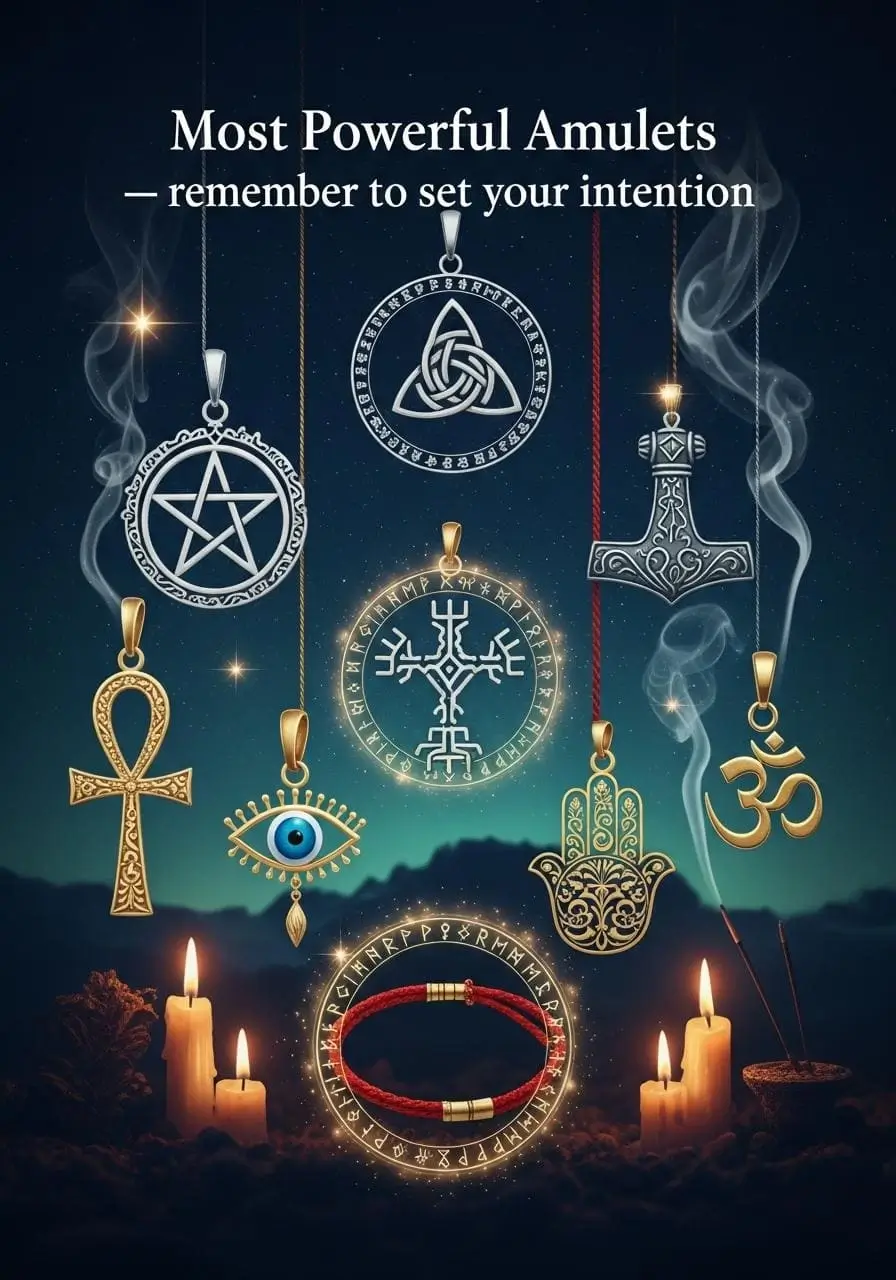
Spells for love, protection, luck, health, money and work, plus the meaning of every candle colour.
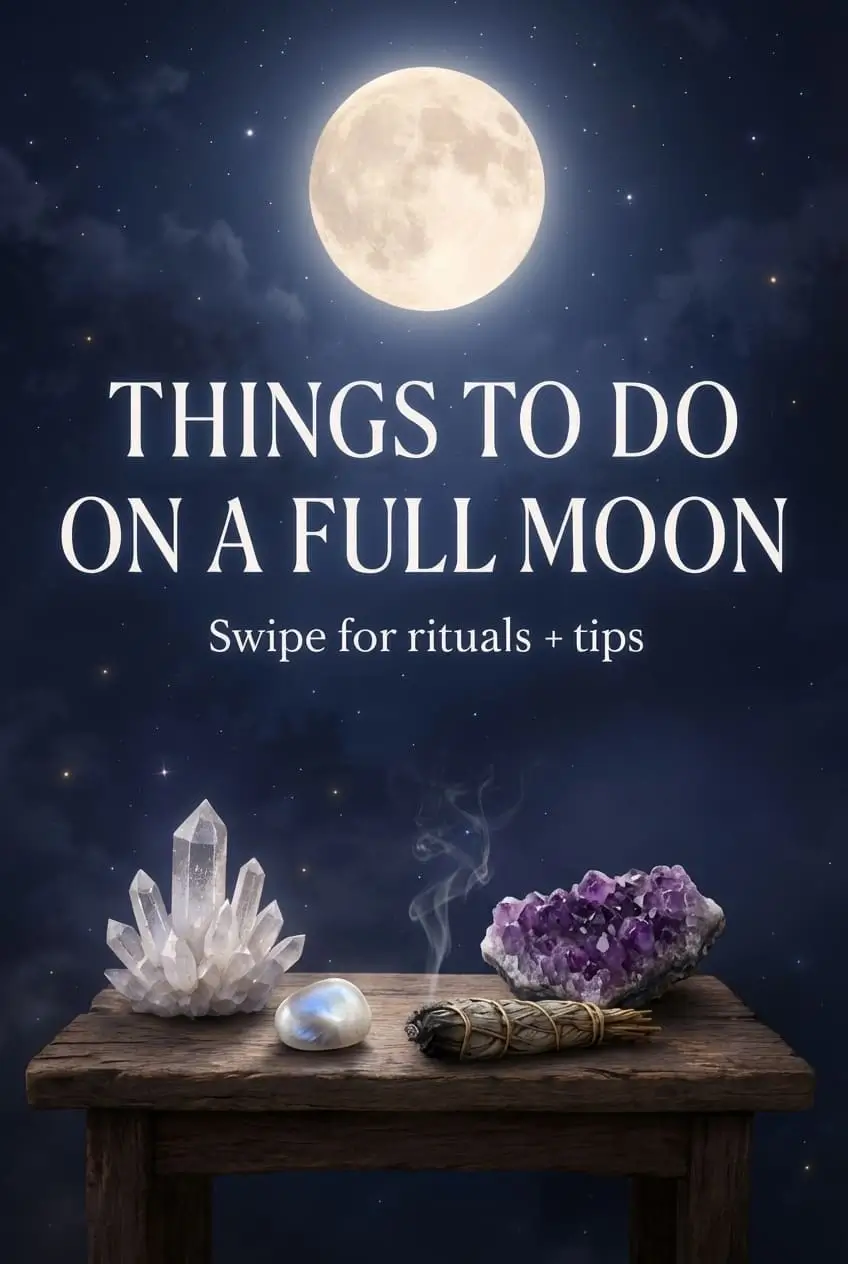
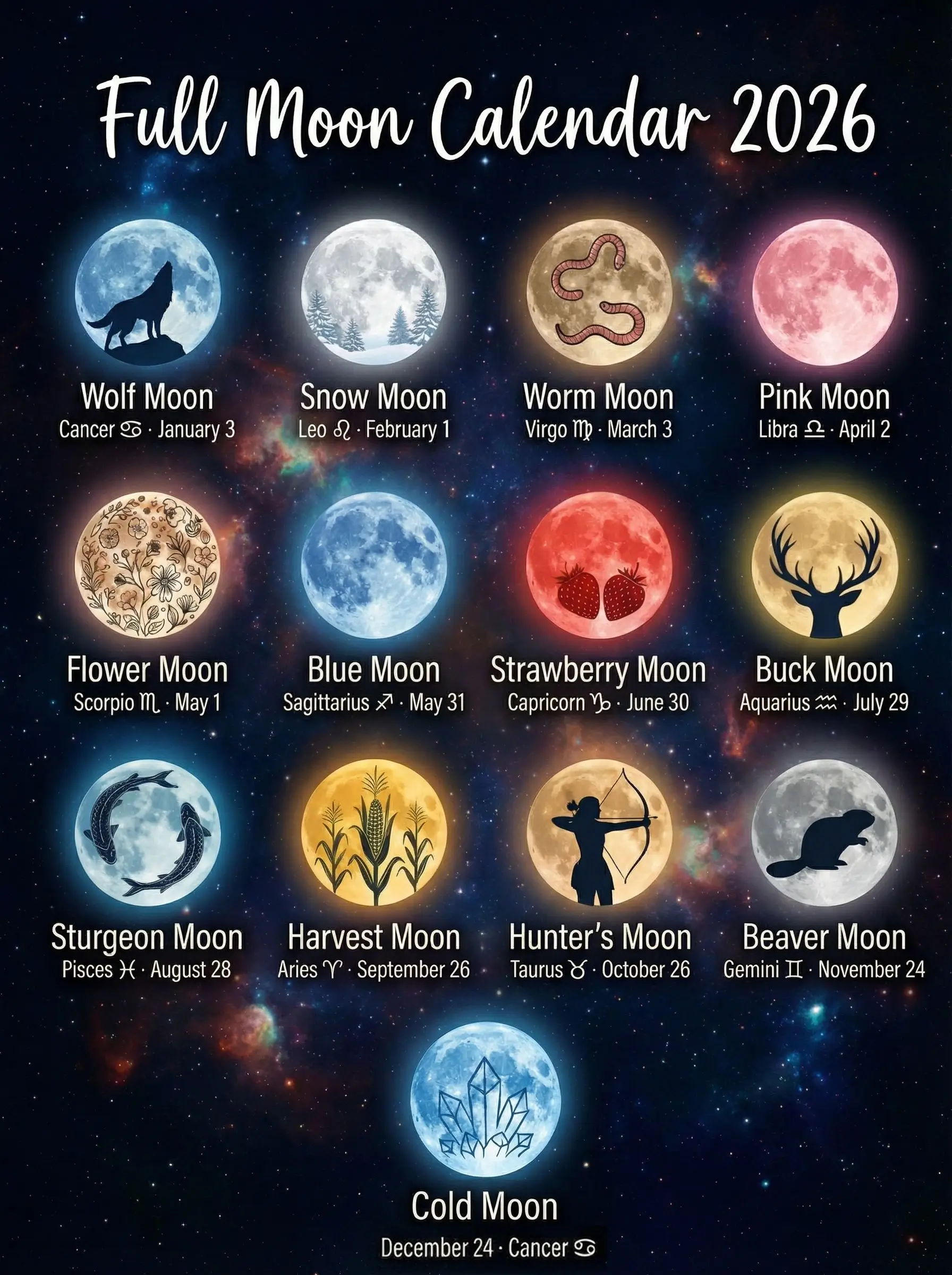
Lunar calendar
Follow every moon phase, full moons and sabbats, with rituals and tips for each cycle.
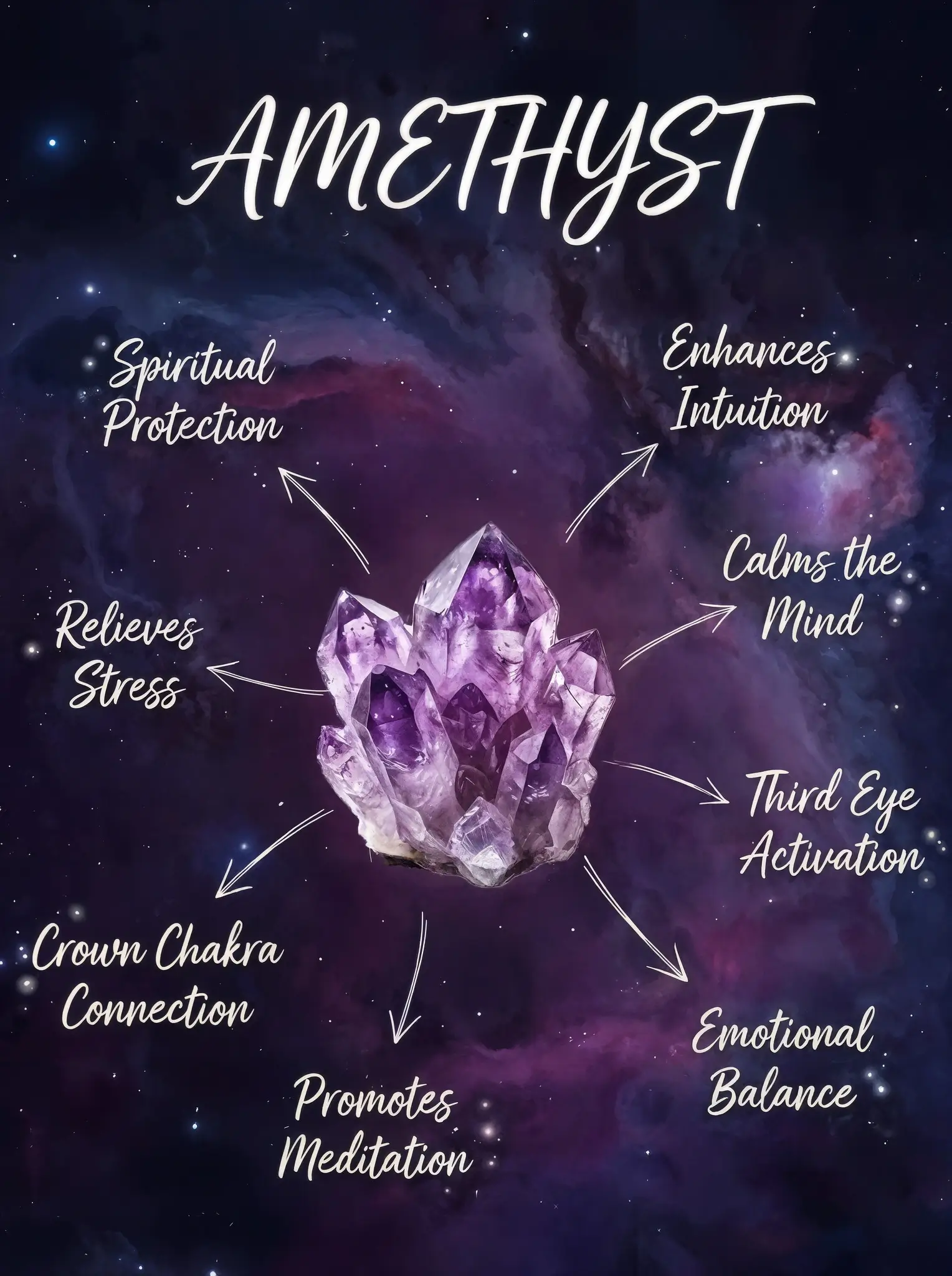
Crystals & AI identifier
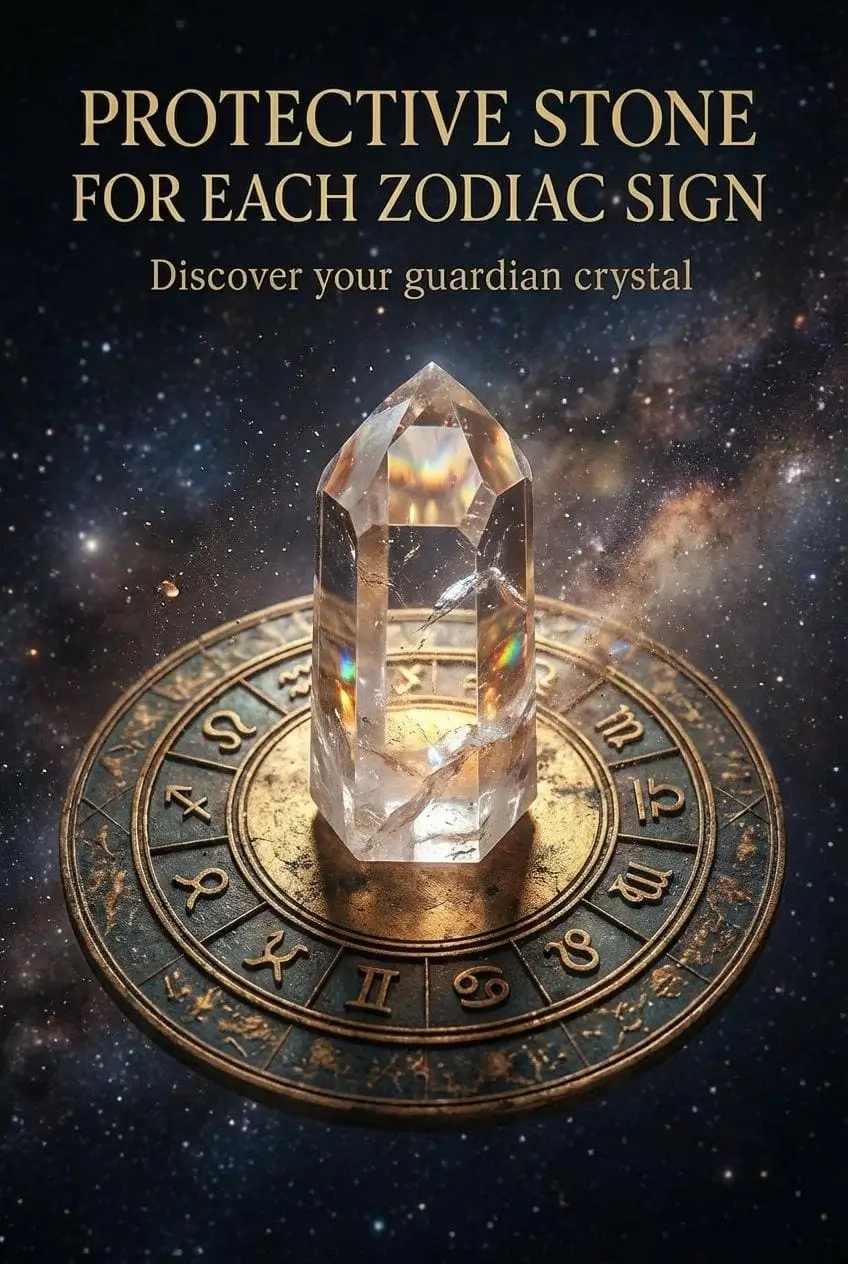
Discover the properties of dozens of stones, identify a crystal from a photo and get stones recommended for your goals.
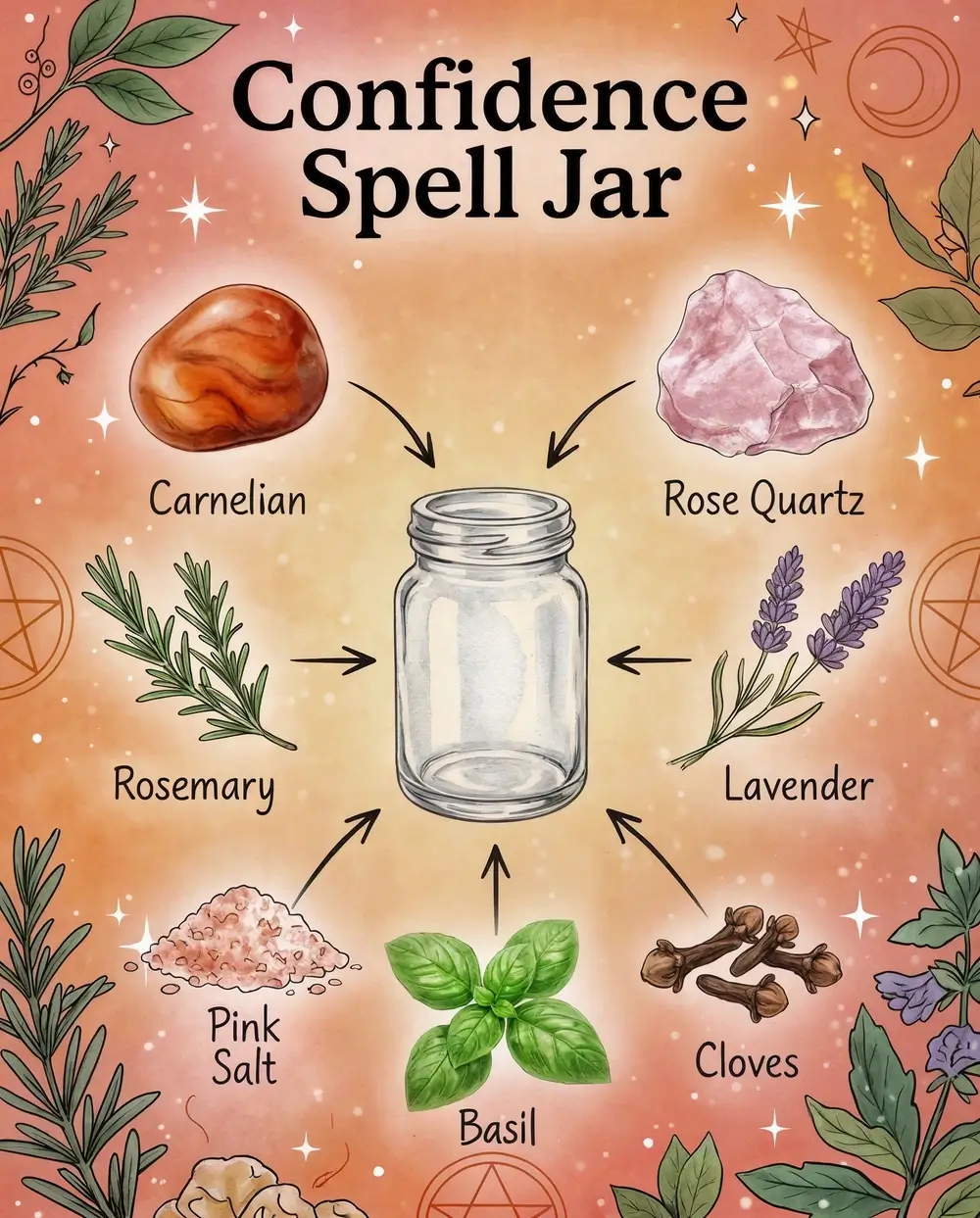
Spell jars
Step-by-step recipes to create spell jars for every intention.
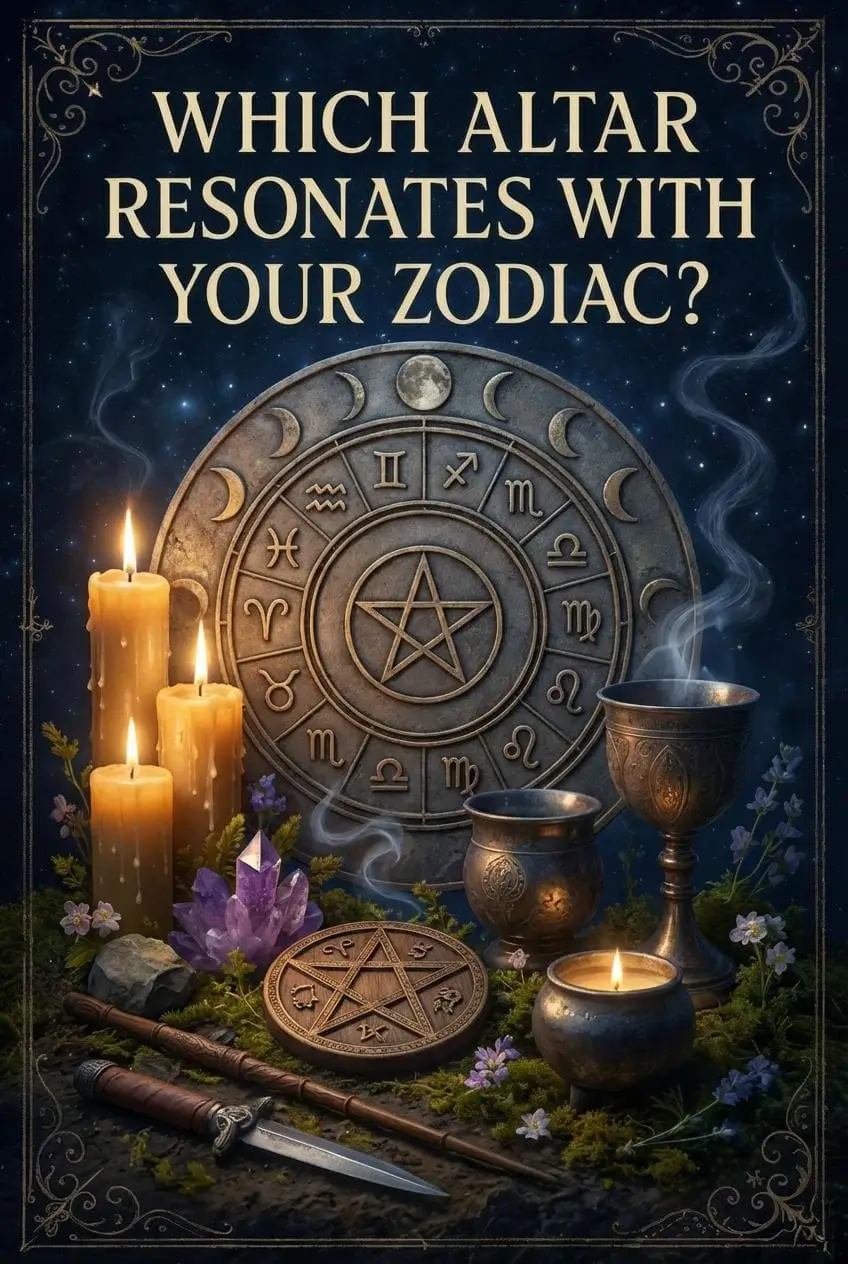
Wicca guide & articles
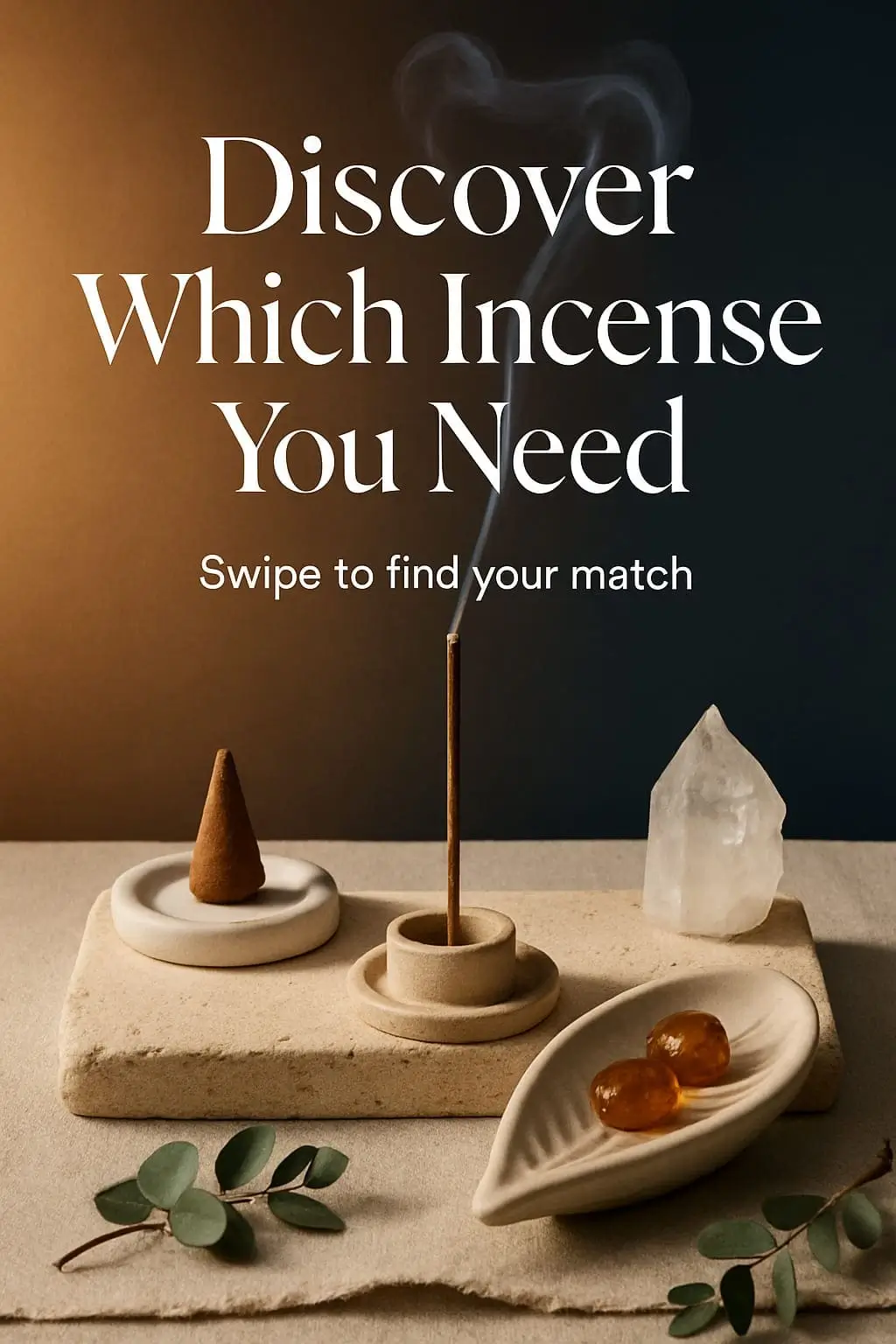
Principles, origins, altars, sabbats, runes and dozens of in-depth articles and esoteric reels.
Meditation & Book of Shadows
Three meditation modes, personality quizzes and a private Book of Shadows for your notes and rituals.
A look inside


Frequently asked questions
What does Premium include?
Premium removes all advertisements, including the short rewarded ads that may appear before AI features. All content and features of the app are available to everyone, with or without Premium.
Premium is available as an auto-renewable subscription of 1 month, 3 months or 6 months. Prices are shown in your local currency inside the app before you buy.
How do I cancel or change my subscription?
iPhone / iPad: open Settings → tap your name → Subscriptions → choose the app → Cancel Subscription (or pick another plan).
Android: open the Google Play Store → your profile → Payments & subscriptions → Subscriptions.
Cancel at least 24 hours before the renewal date. After cancelling, Premium stays active until the end of the period you already paid for. Deleting the app does not cancel the subscription.
I paid but Premium is not active. How do I restore my purchase?
- Make sure you are signed in with the same Apple ID / Google account you used to buy.
- iPhone / iPad: open the Premium screen in the app and tap Restore purchases.
- Android: your purchase is checked automatically every time you open the app.
- Check your internet connection and restart the app.
If it still does not work, email us with the date of purchase (do not send card details).
How do I request a refund?
Payments are processed by Apple or Google, so we cannot issue refunds ourselves. On iPhone, request it at reportaproblem.apple.com. On Android, follow Google Play’s refund guide.
Why does the app ask to track me? (iPhone)
The free version is supported by ads from Google AdMob. Apple requires apps to ask before ads can use your device’s advertising identifier. If you choose Ask App Not to Track, you will still see ads, just not personalised ones, and every feature keeps working. You can change it any time in Settings → Privacy & Security → Tracking.
The crystal identifier or the AI recommendations are not working.
- Check your internet connection.
- Use a clear, well-lit photo with only one stone in the frame.
- There is a fair-use limit of 50 requests per hour for each AI feature; if you reach it, wait a while and try again.
AI results are for information and entertainment only and can be wrong.
What happens to the photos I send to the AI?
Photos and text you send are processed by OpenAI only to generate your answer and may be kept on our server for up to 30 days for quality purposes. Details in the Privacy Policy.
How do I delete my data?
To delete any data you have provided through the app, email mejortarots@gmail.com and we will remove it.
Still need help?
Found a bug, have a suggestion or a question about your subscription? Write to us and we will get back to you as soon as possible.
- Your device model and iOS / Android version
- The app version (shown in the store page or the app settings)
- What happened, and a screenshot if possible
Legal
Developed by Carlos Colado Molina (WebAppDev) · NIF 45934467V
C/ del Montsià, 36, 08227 Terrassa (Barcelona), España · mejortarots@gmail.com